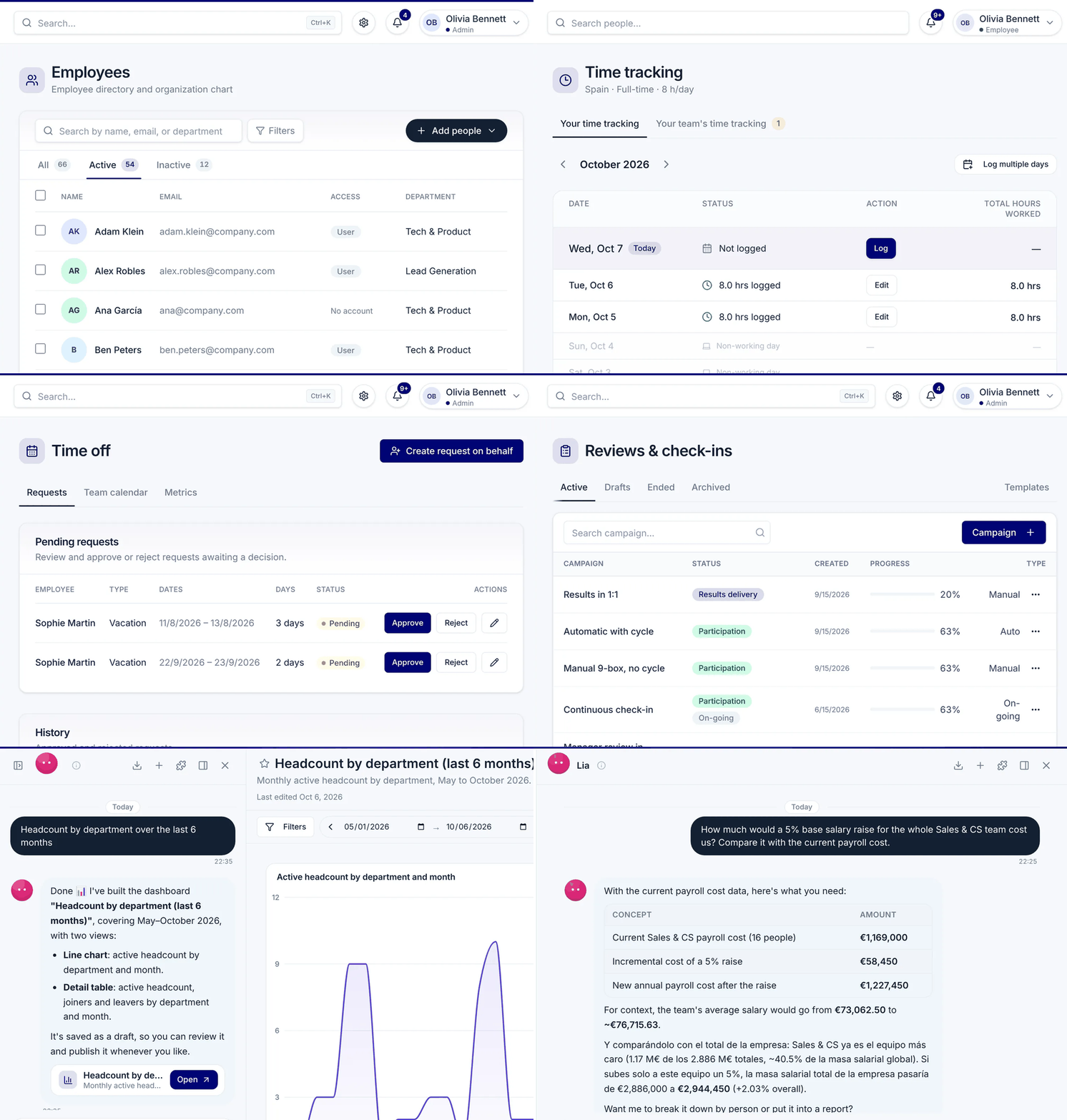
All your company devices with their owner and status, a kit by role for every new hire and alerts before a warranty expires.
 4.720,000+ users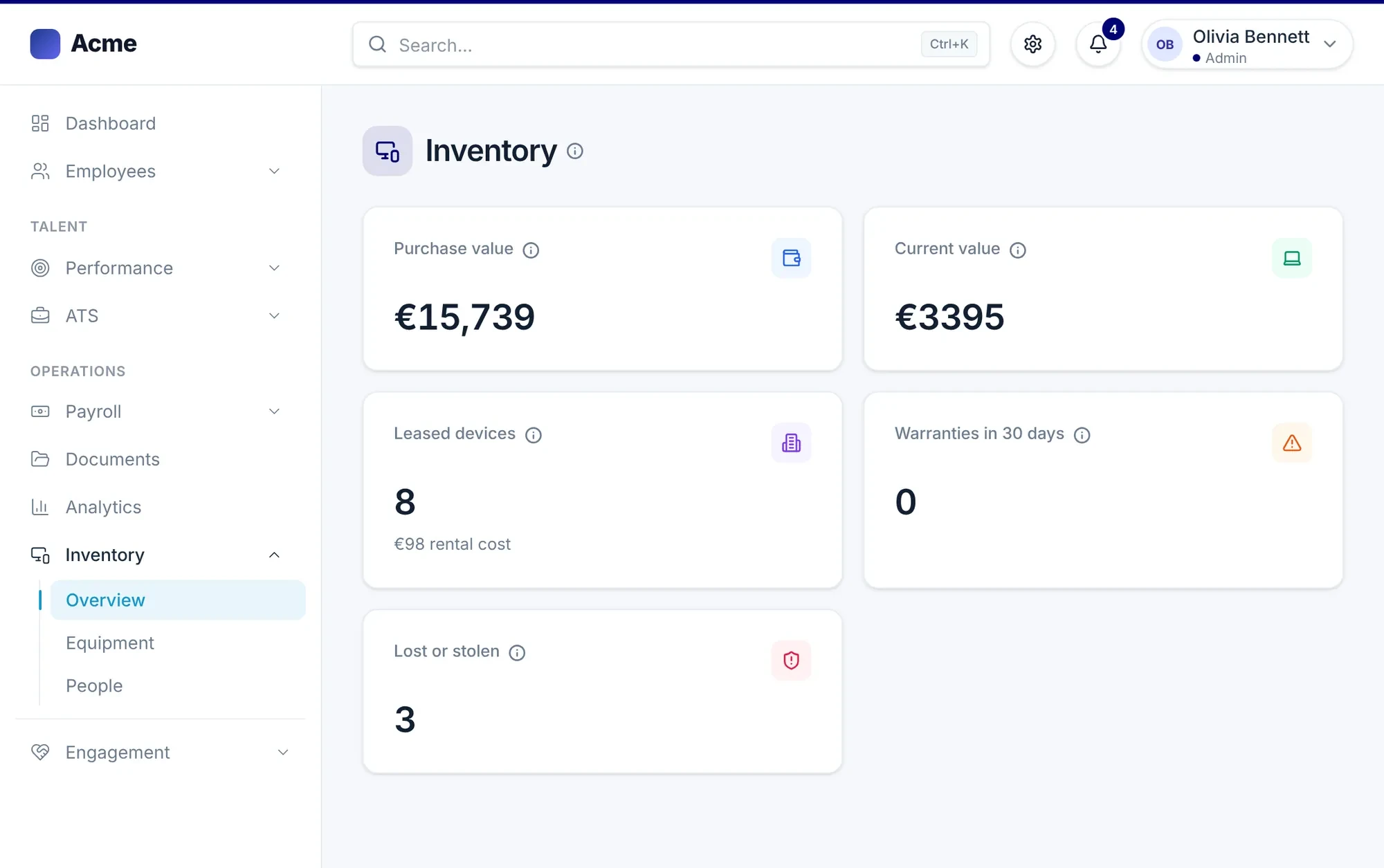
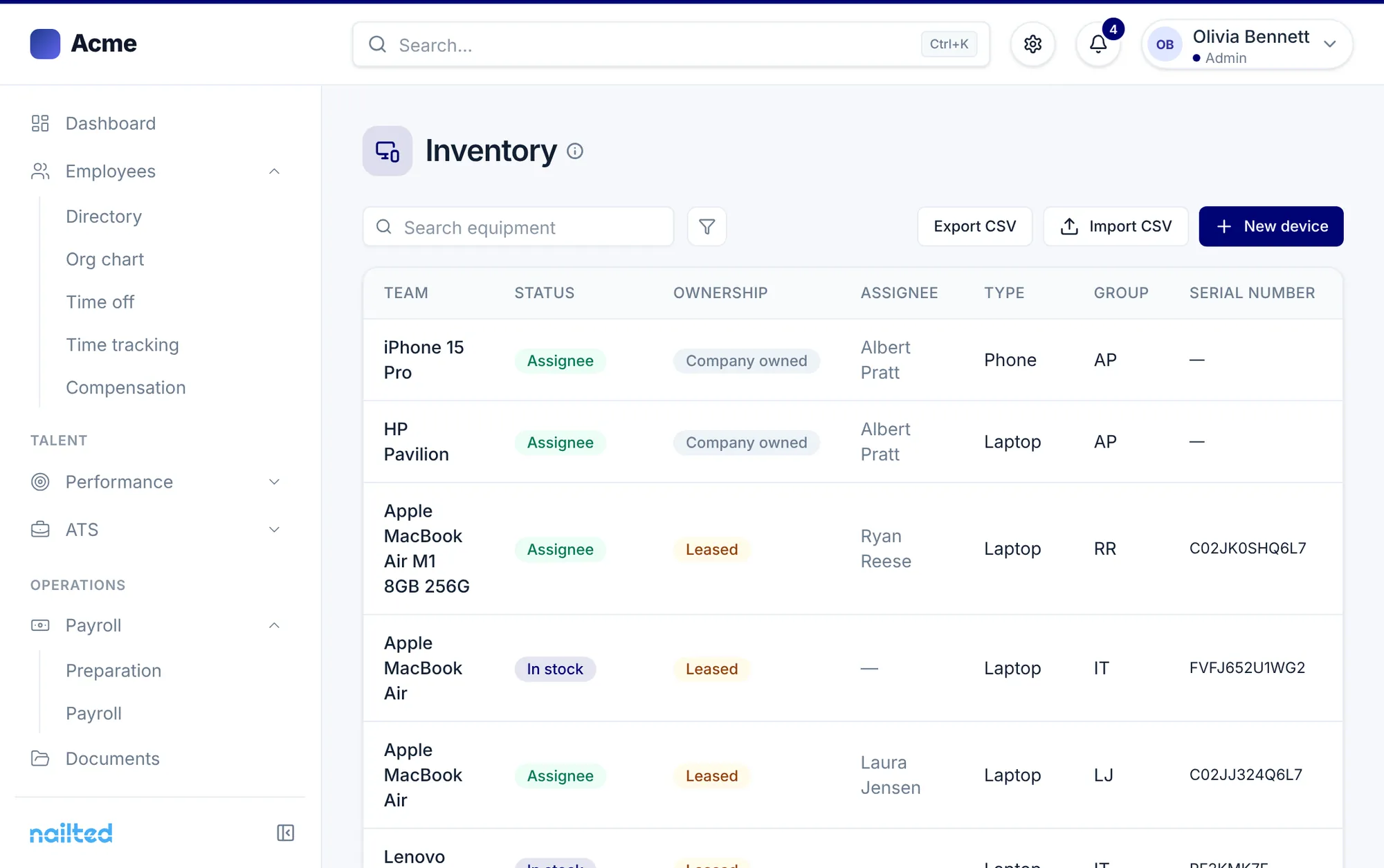








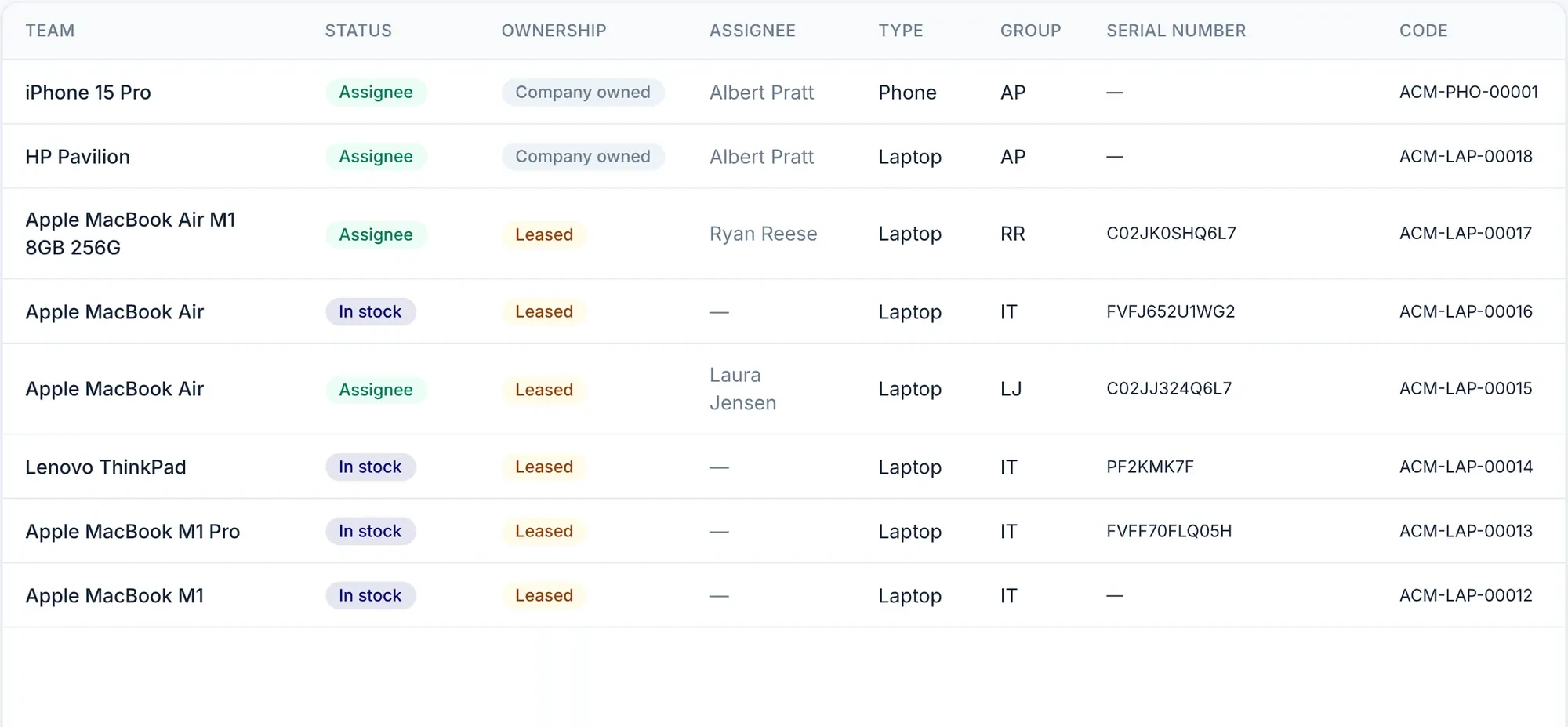
Laptops, phones, monitors or headsets with their serial number, internal code and who they are assigned to. Whether they are company-owned or leased.
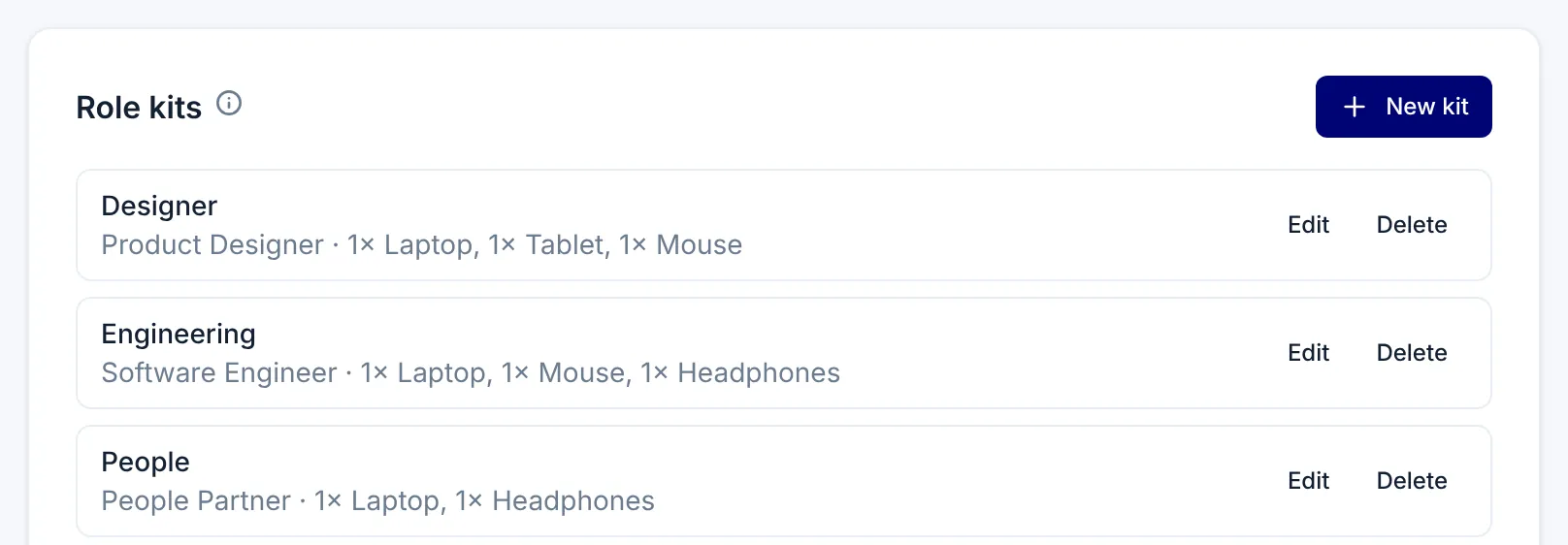
Define what each role receives and see who is joining soon and what they still need to get.
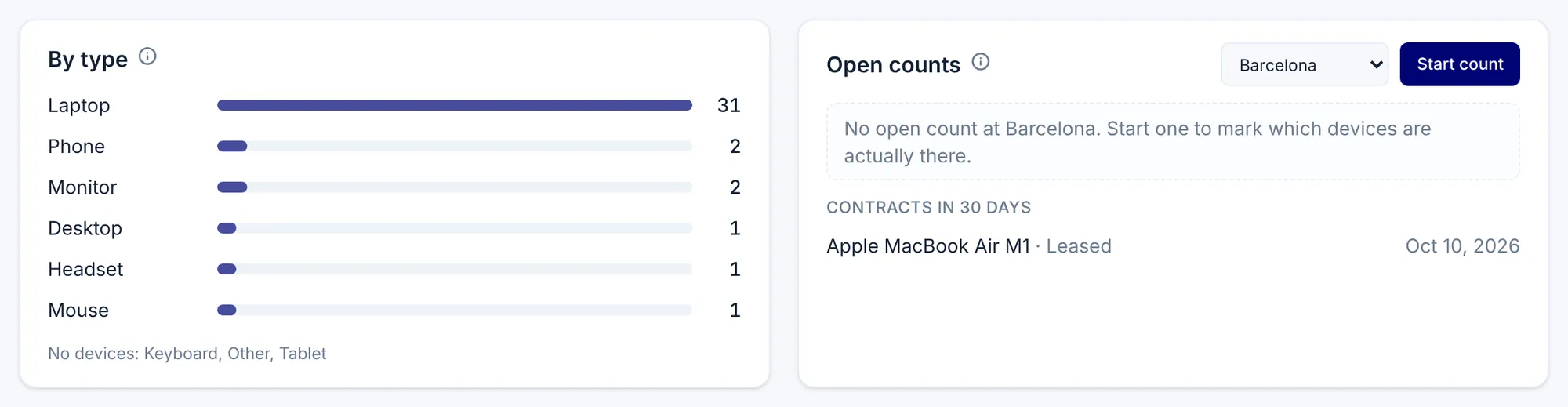
Nailted alerts you to warranties and contracts that expire in the next 30 days, and keeps track of device value and monthly rent.

Run a count at each workplace to know which devices are really there. And if something breaks, the employee reports it and it reaches you as a task.
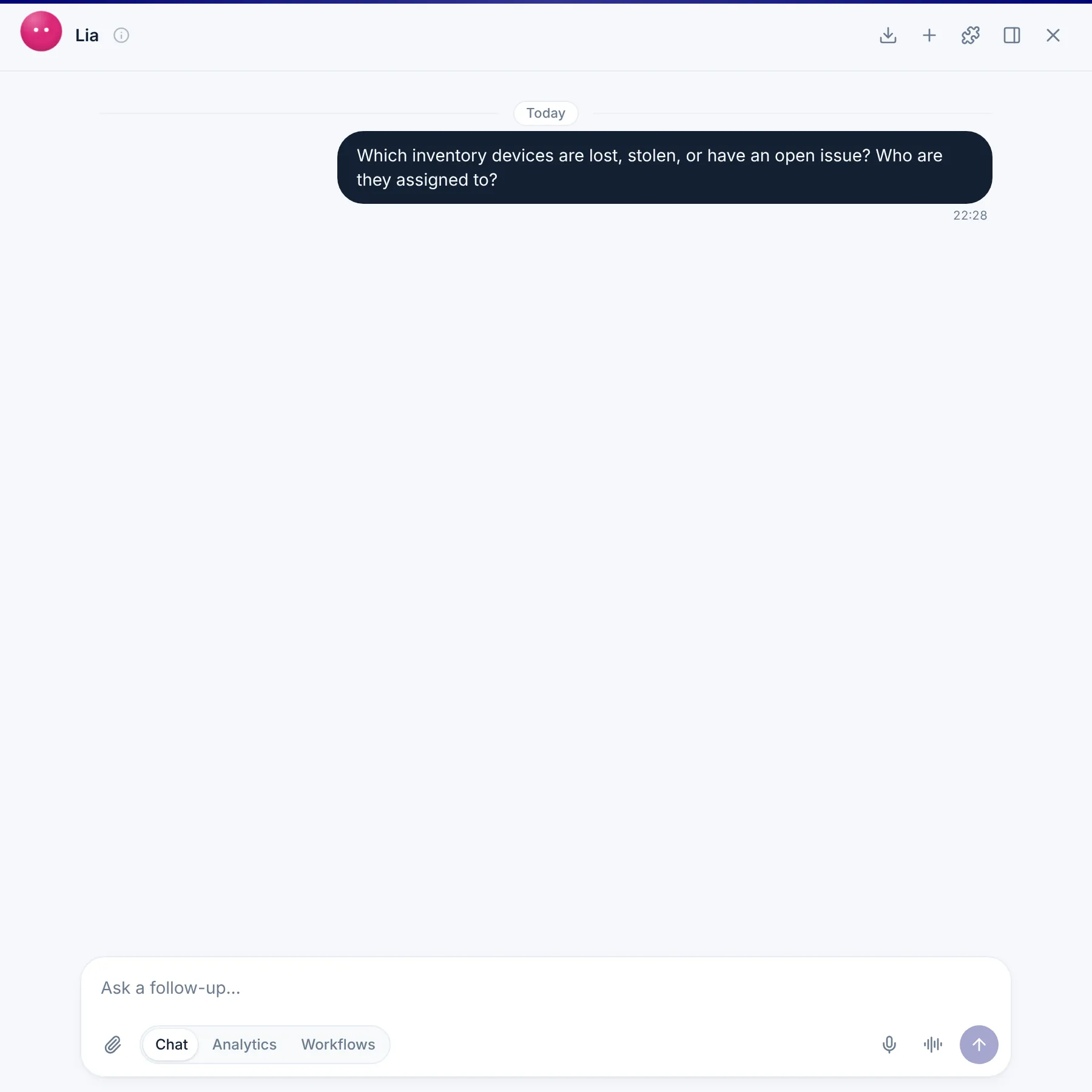
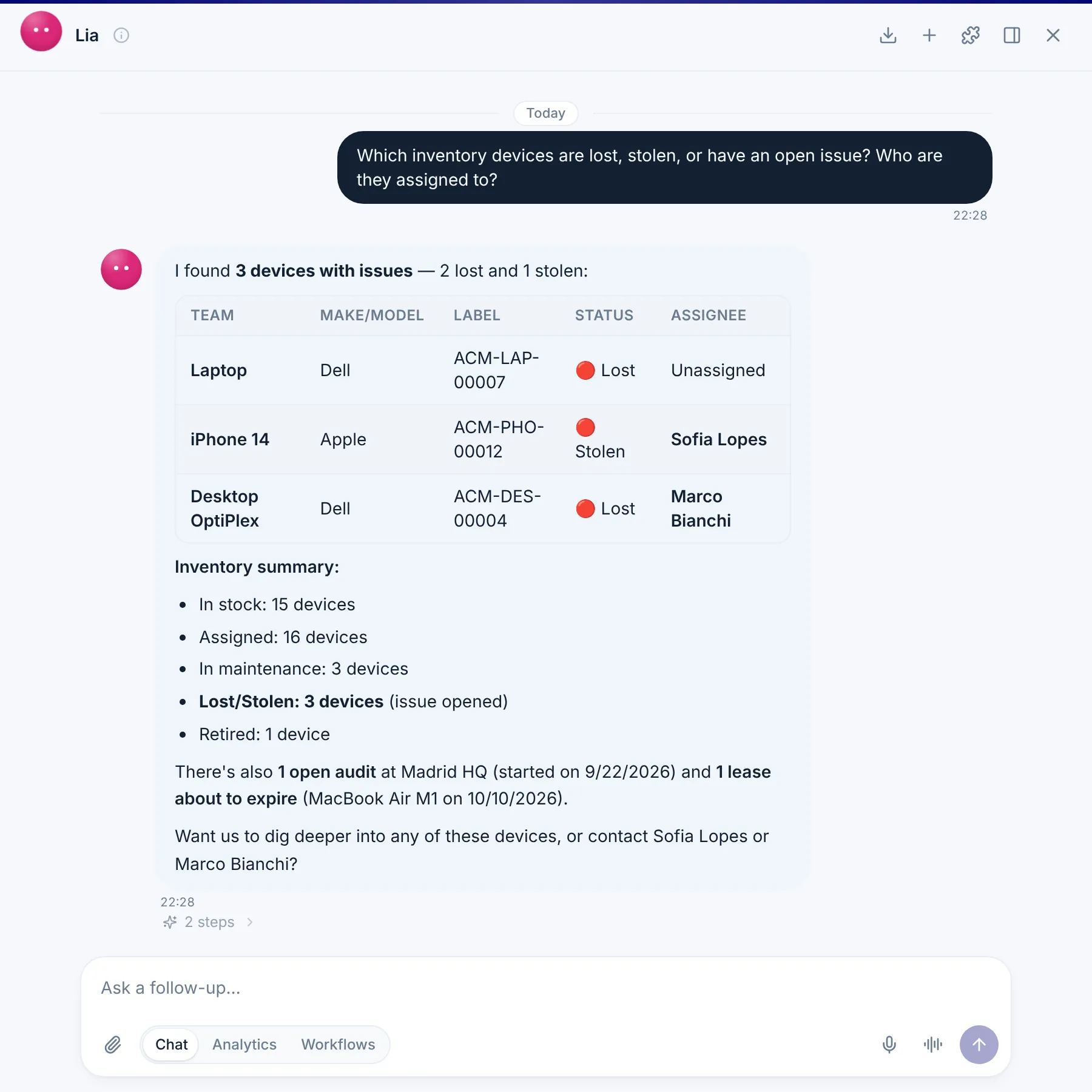
The agents check your real inventory: what is lost, which contract is expiring and who each device is assigned to. If you ask them for a rule, you review it before it goes live.
Data is shared across modules. Nothing is typed twice.
Yes. You can import and export the inventory as CSV, and also add devices one by one.
Yes. Each device shows whether it is company-owned or from a provider, and contracts that expire in 30 days appear in the summary next to the monthly rent.
The people view lists leavers separately so you can see which devices need to be collected, and the offboarding can include the task for IT.
You start a count at the workplace and check off the devices that are actually there.
Yes. The issue reaches you as a pending task, with the device and what the person reported.
Laptops, phones, monitors, tablets, keyboards, mice, headsets and any other equipment you use.
A demo tailored to what you want to solve. No commitment.