Post on your careers page and on job boards, follow each job opening in its pipeline and let the emails for each stage go out on their own.
 4.720,000+ users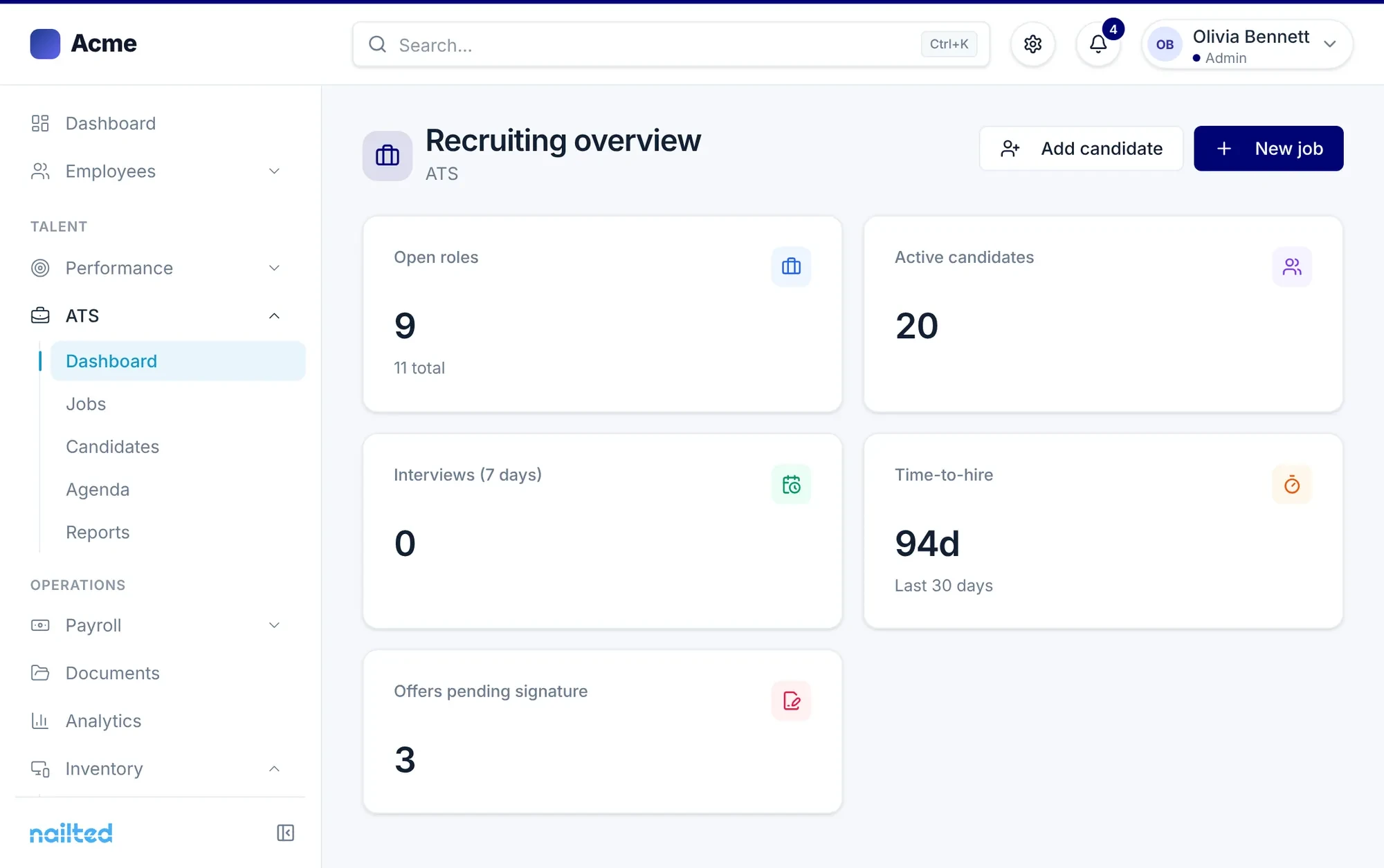
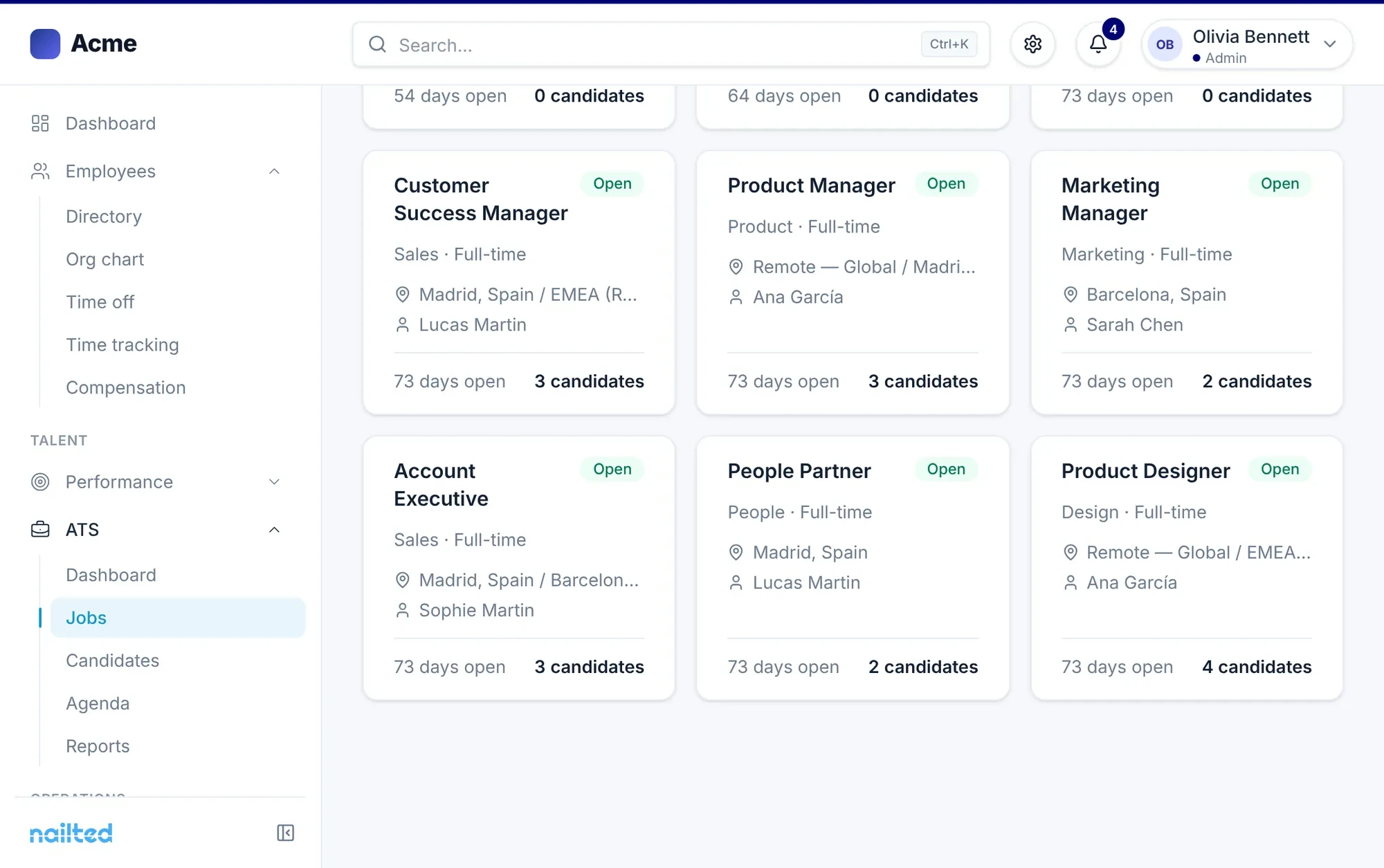








Your careers page with your logo and description, and the same job opening on the job boards where you look for talent.
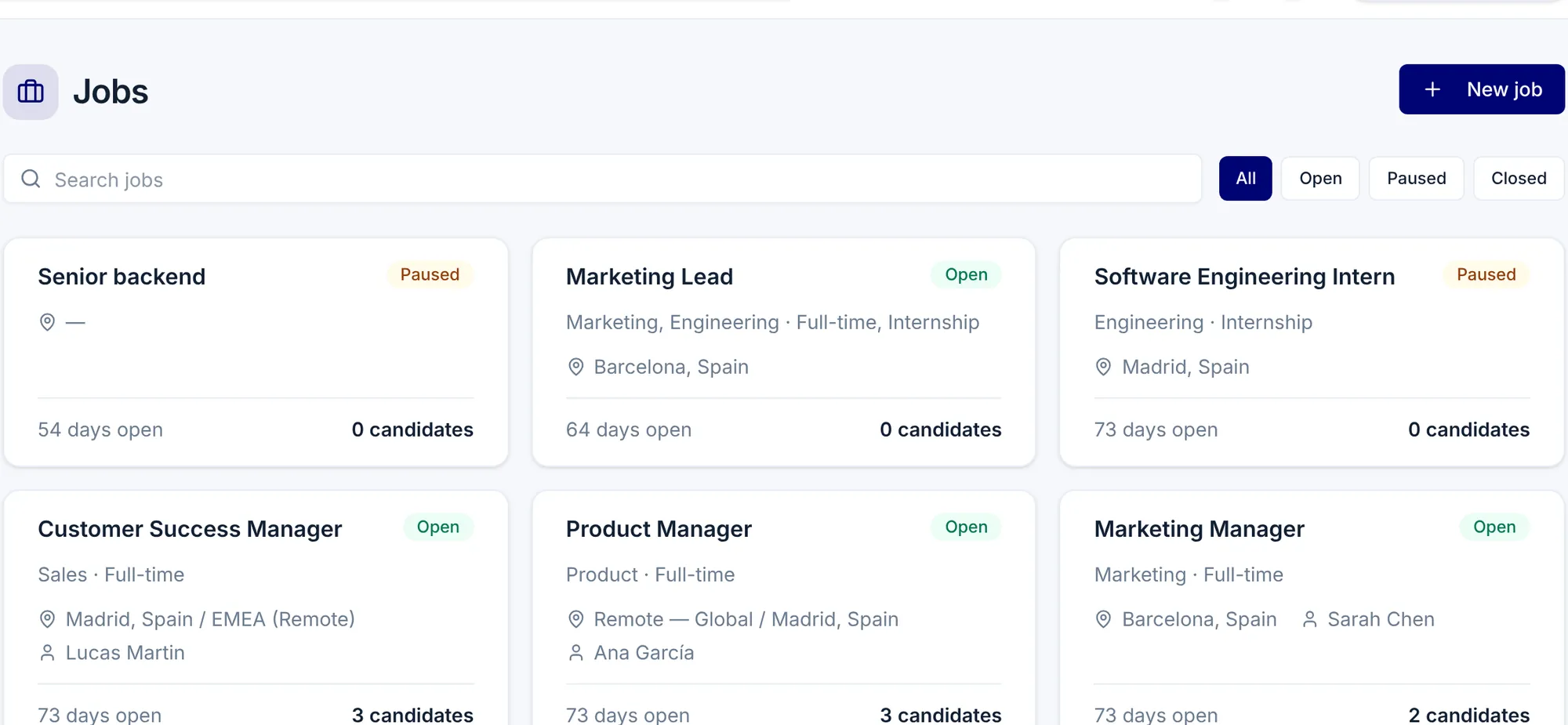
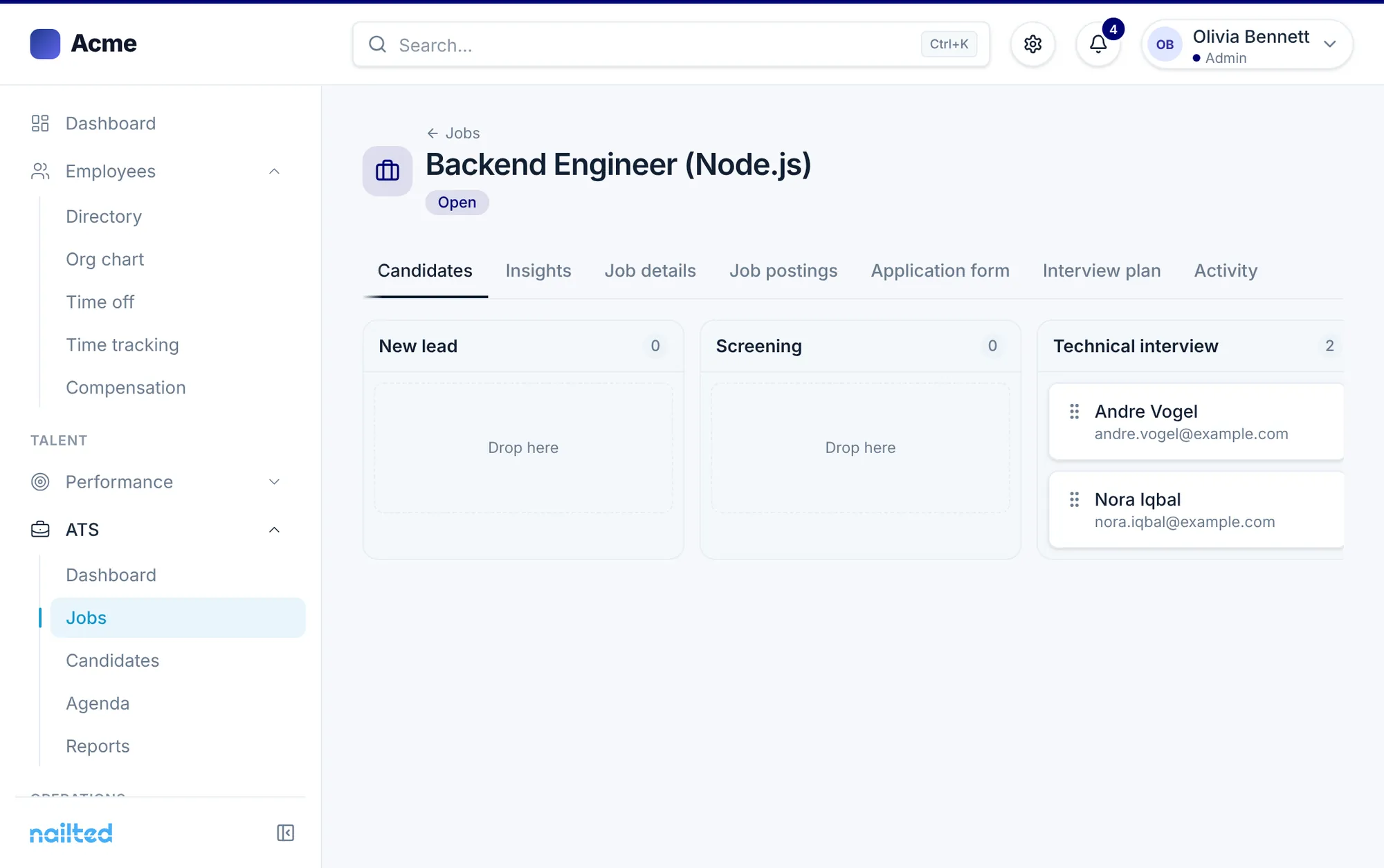
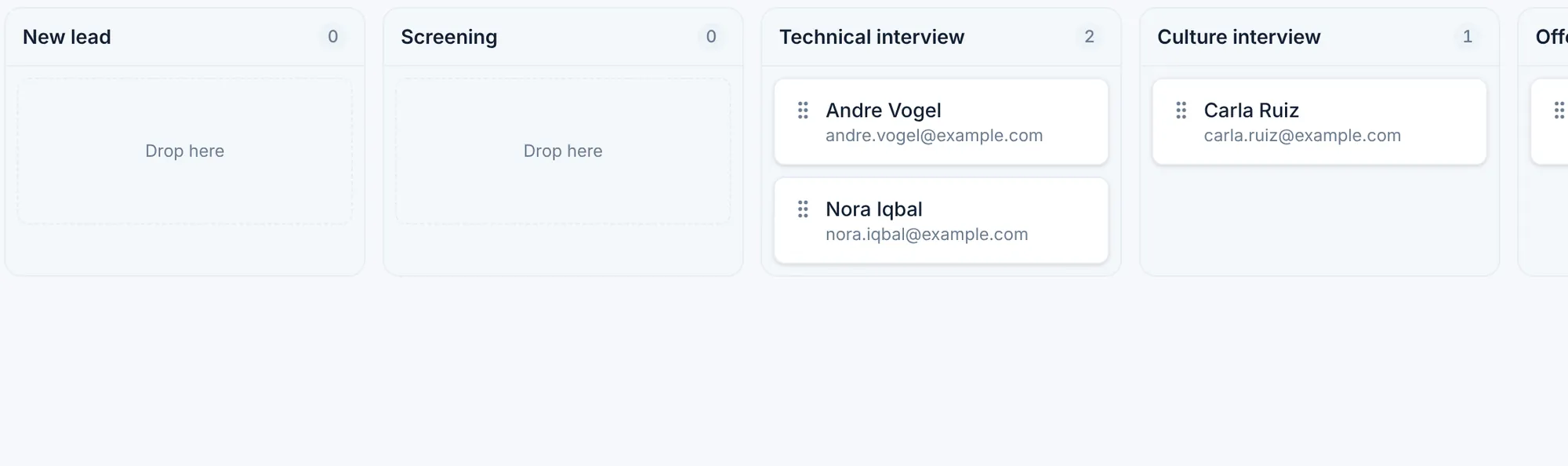
Each job opening with its pipeline, its candidates by stage and its interview plan. And a summary that tells you which stage candidates get stuck in.
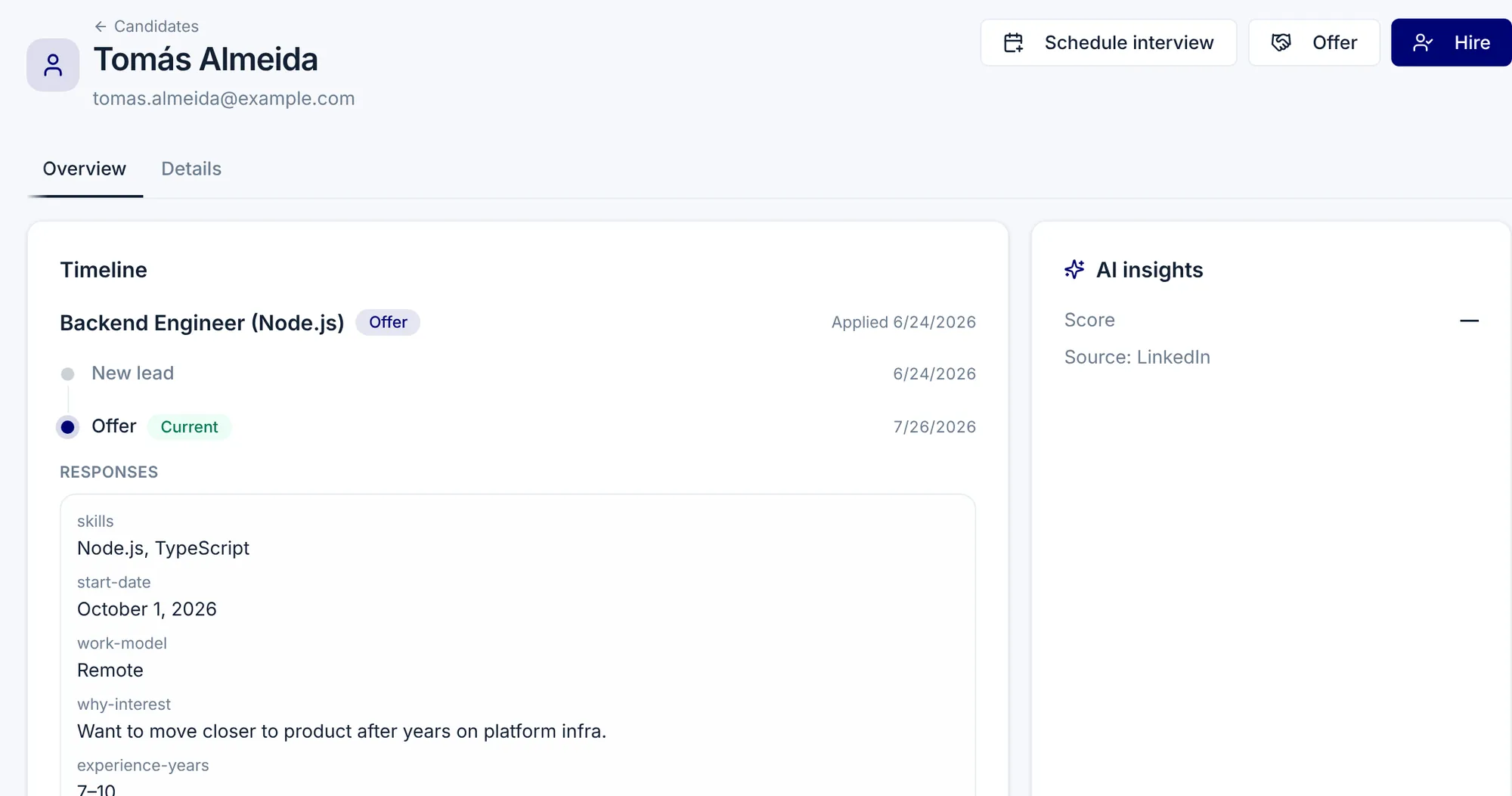
The acknowledgment, the calendar invitation and the rejection email go out on their own at the right moment, using your templates.
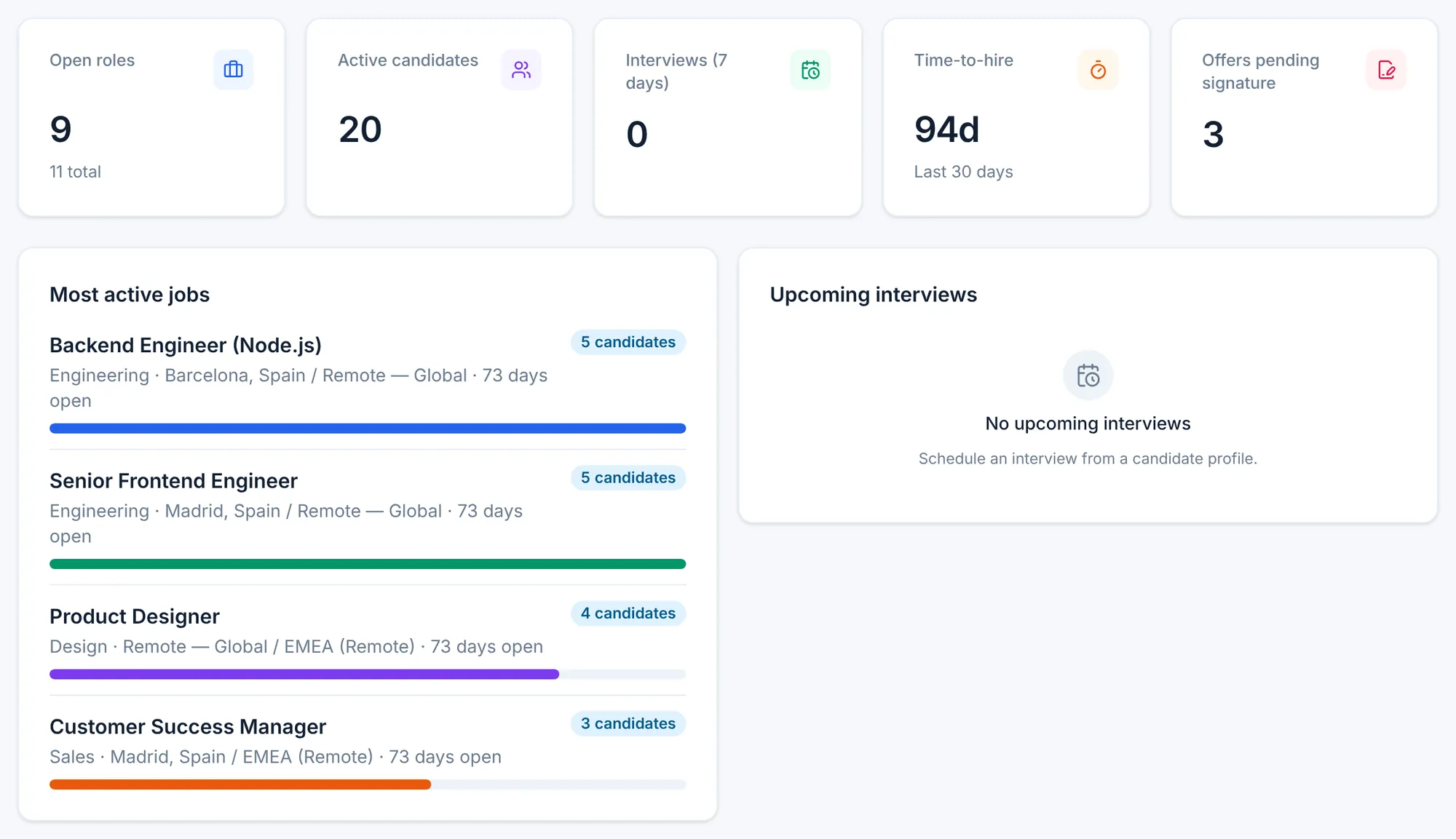
The conversion funnel by stage, time and cost per hire, each recruiter's performance and which sources bring you the best candidates.
The agents read your real job openings and candidates and tell you who to prioritize. If you want to change the stages, questions or emails of an opening, you ask them too.
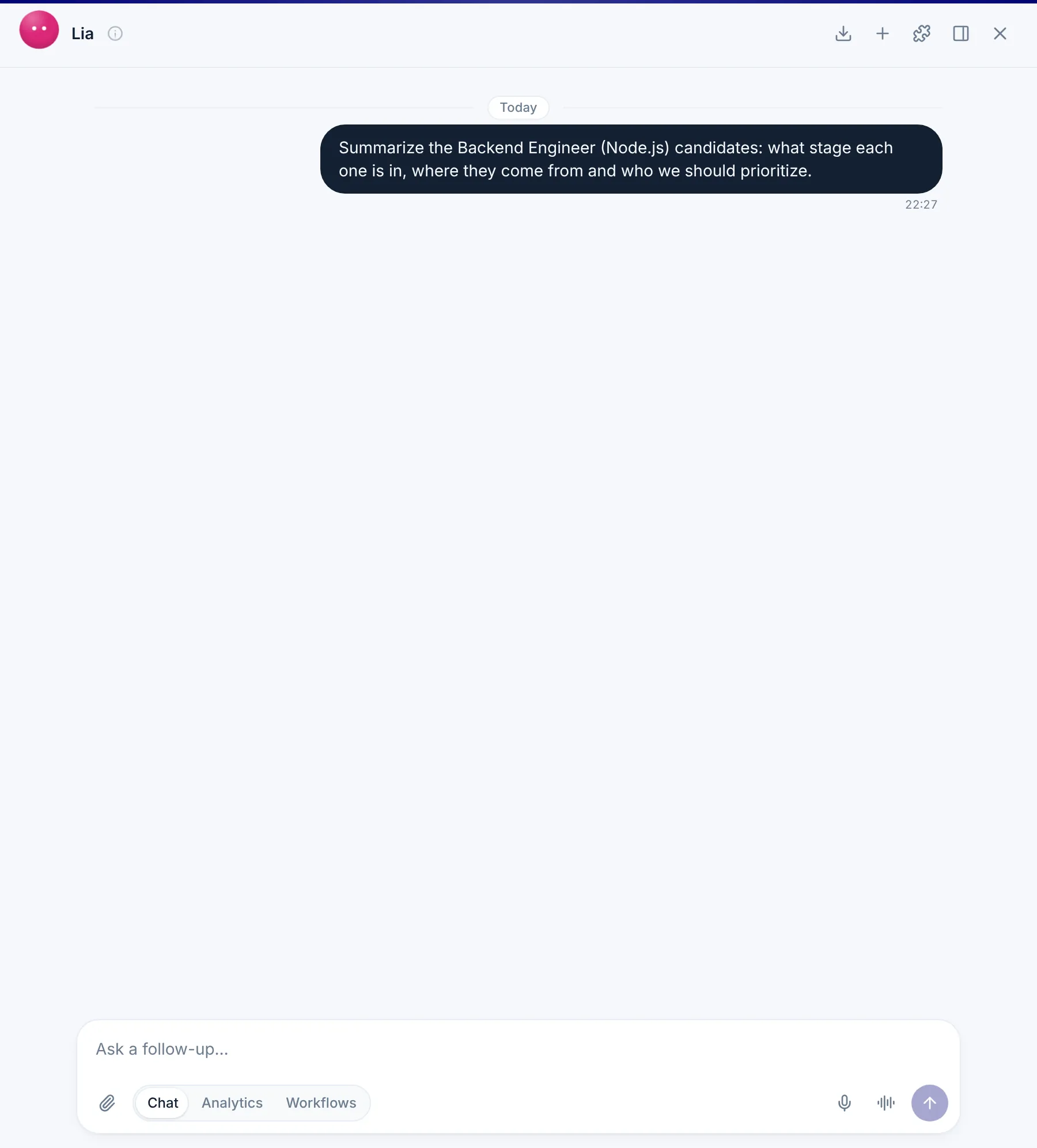
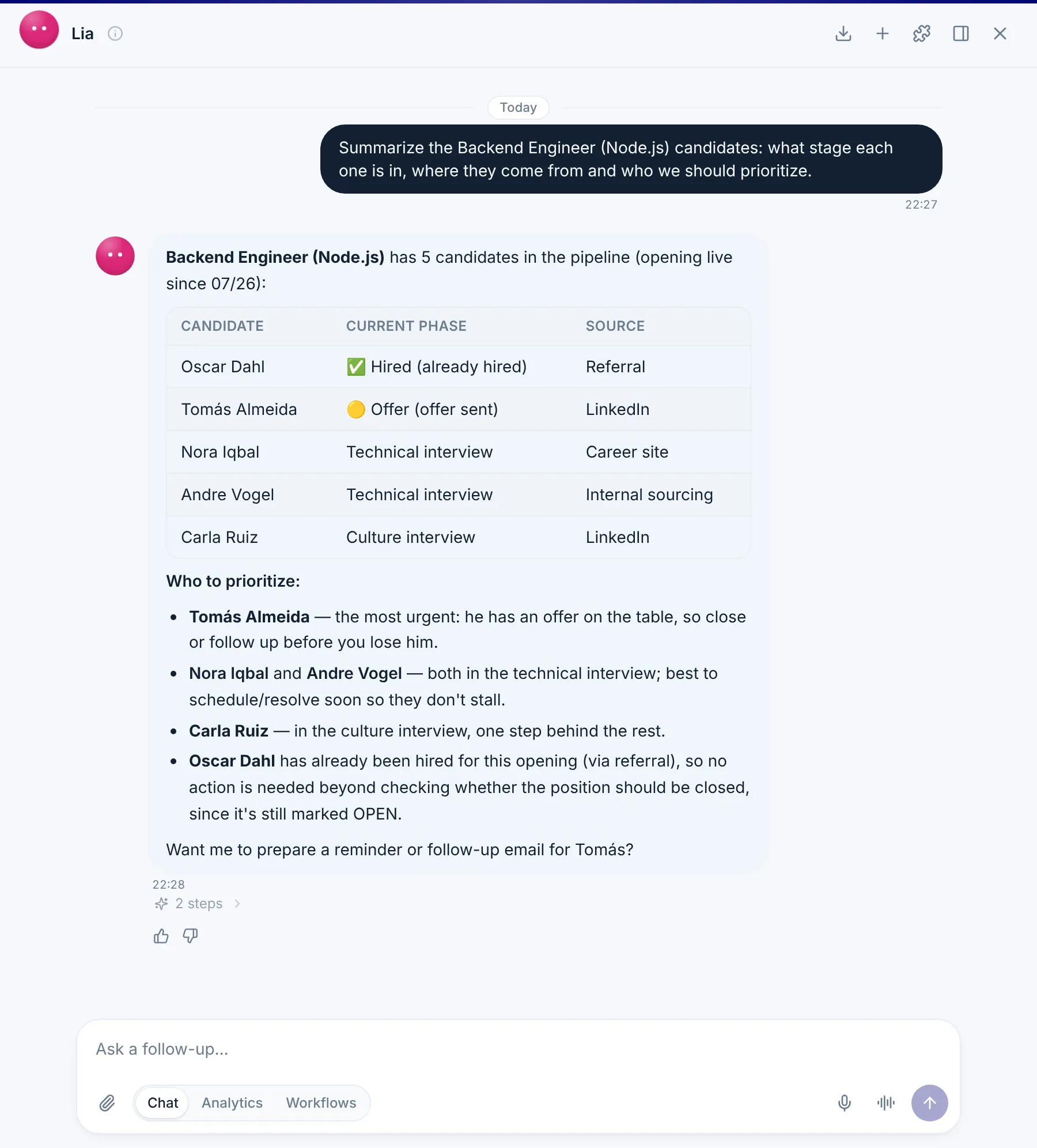
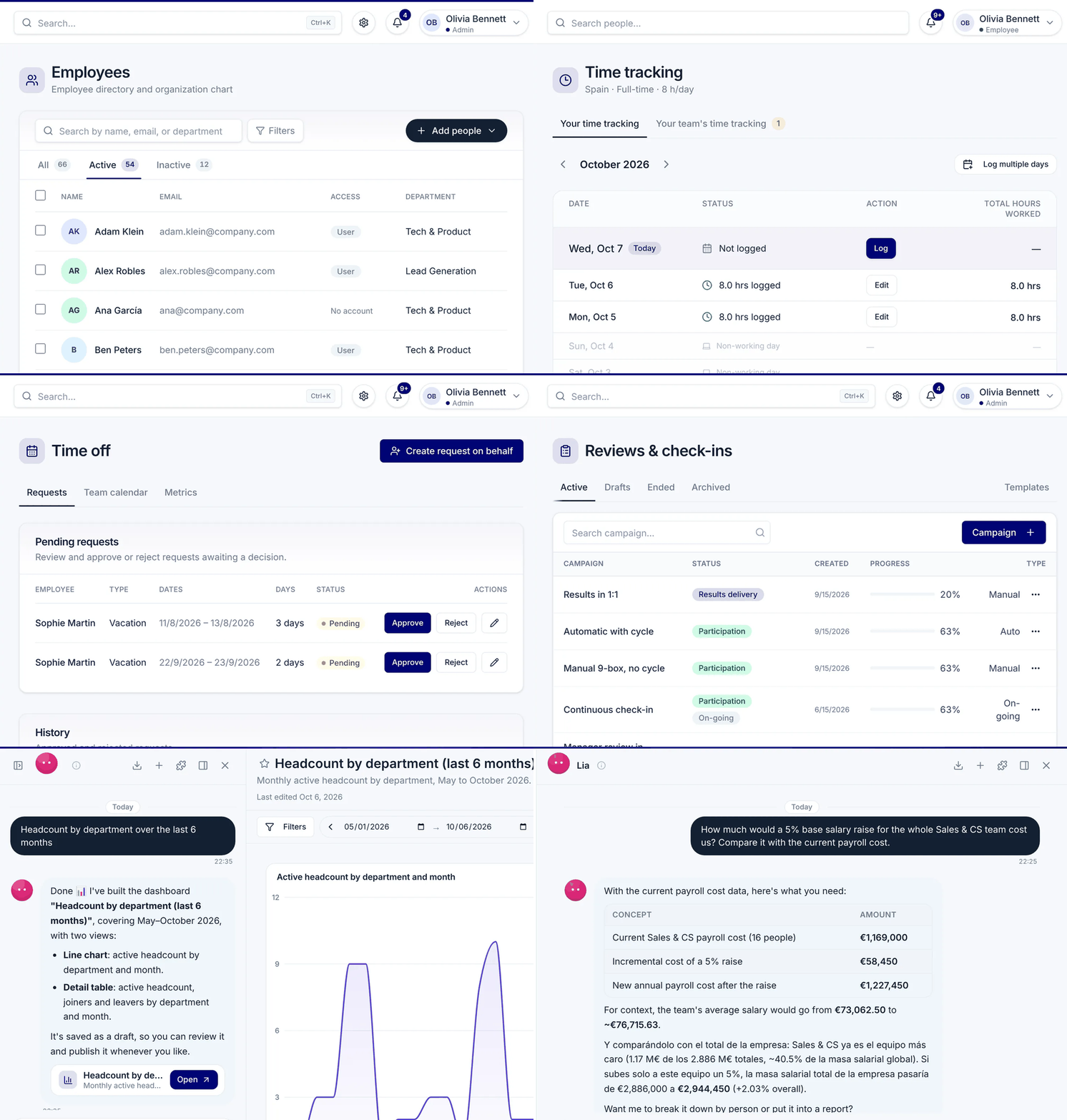
Data is shared across modules. Nothing is typed twice.
Your careers page plus LinkedIn Jobs, Indeed, InfoJobs and Glassdoor, as well as an internal page for applications from your own team.
Yes. You define a default pipeline with the stages you use, and each job opening has its own interview plan.
The acknowledgment when an application arrives, the calendar event when a candidate moves to an interview stage and the rejection email when archiving, all with your templates.
You can require acceptance of your privacy policy in the application form and turn on automatic anonymization of candidates.
It can score each candidate against the job opening to help you prioritize. The decision is always your team's.
Conversion funnel by stage, time and cost per hire, performance by recruiter and candidate sources.
A demo tailored to what you want to solve. No commitment.